
Download Mercury HQ – floral shop management, wire order tracking, store settings, desktop app, order tracking, inventory management, productivity tool, business operations
Overview
Mercury HQ is a productivity tool designed specifically for floral shop operators, aiming to simplify the complexities of daily business operations. The app serves as a centralized management solution for tracking wire orders and adjusting store preferences directly from a desktop environment. By consolidating essential functions such as order monitoring, inventory insights, and customizable store settings, Mercury HQ helps florists reduce administrative overhead and redirect focus toward creative design and customer engagement. The tool is particularly useful for small to mid-sized floral businesses seeking a streamlined way to manage workflow without relying on multiple disjointed systems.
Its primary purpose lies in enhancing operational efficiency through digital organization. For florists who frequently coordinate with suppliers, manage delivery timelines, and maintain consistent shop configurations, Mercury HQ provides a structured platform to centralize these tasks. Real-world use cases include monitoring incoming wire orders from wholesalers, adjusting seasonal preferences, and generating performance data for inventory turnover and sales trends. This makes the app a valuable asset in the growing ecosystem of specialized business tools tailored for niche industries.
Although the developer did not provide additional technical details about the company’s background, the app’s focused functionality suggests a targeted approach to solving real pain points in the floral retail space. The absence of mobile platform availability indicates that Mercury HQ is built exclusively for desktop use, emphasizing stability and full-screen functionality over on-the-go access. This design choice aligns with the needs of professionals who require a reliable, distraction-free workspace during order processing and store management tasks.
Key Features & Functionality
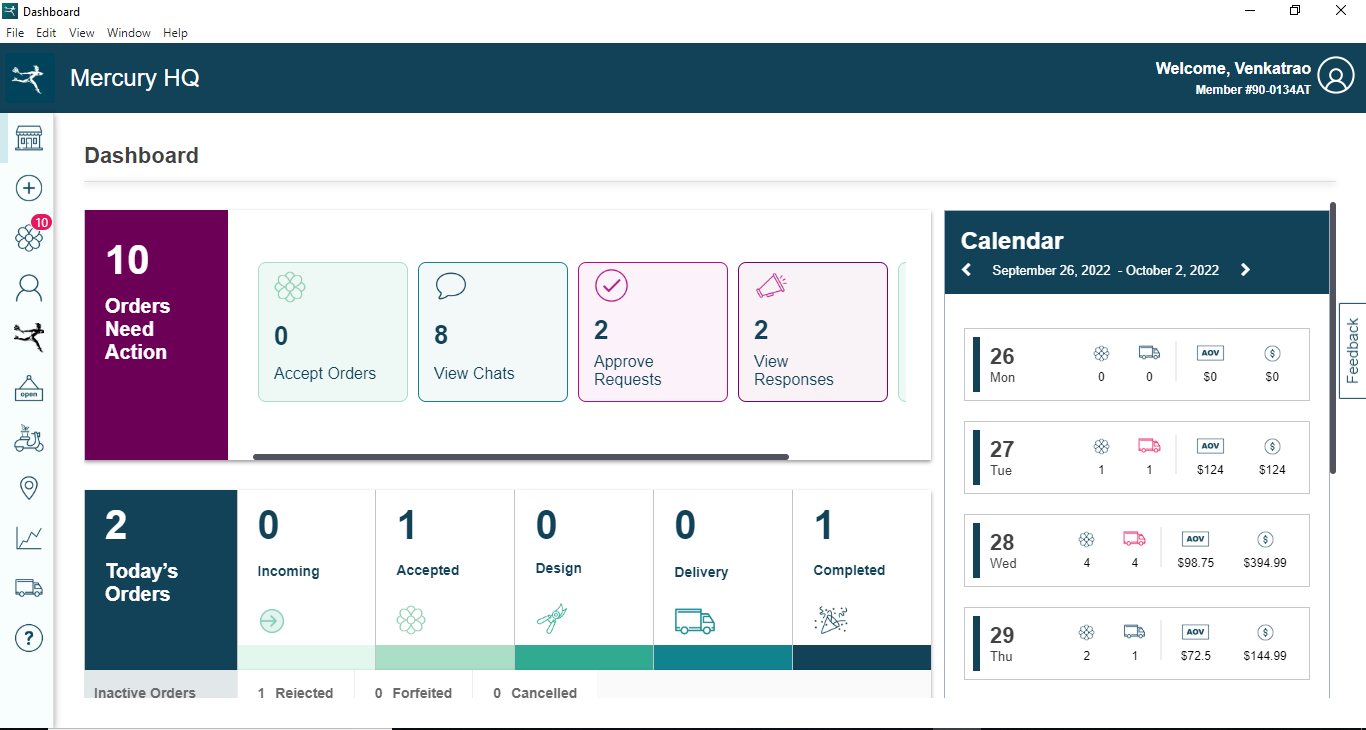
- Order Management: Centralized tracking of wire orders allows users to view all pending, in-transit, and fulfilled orders in a single dashboard. This feature supports timely fulfillment by providing clear visibility into delivery statuses and deadlines.
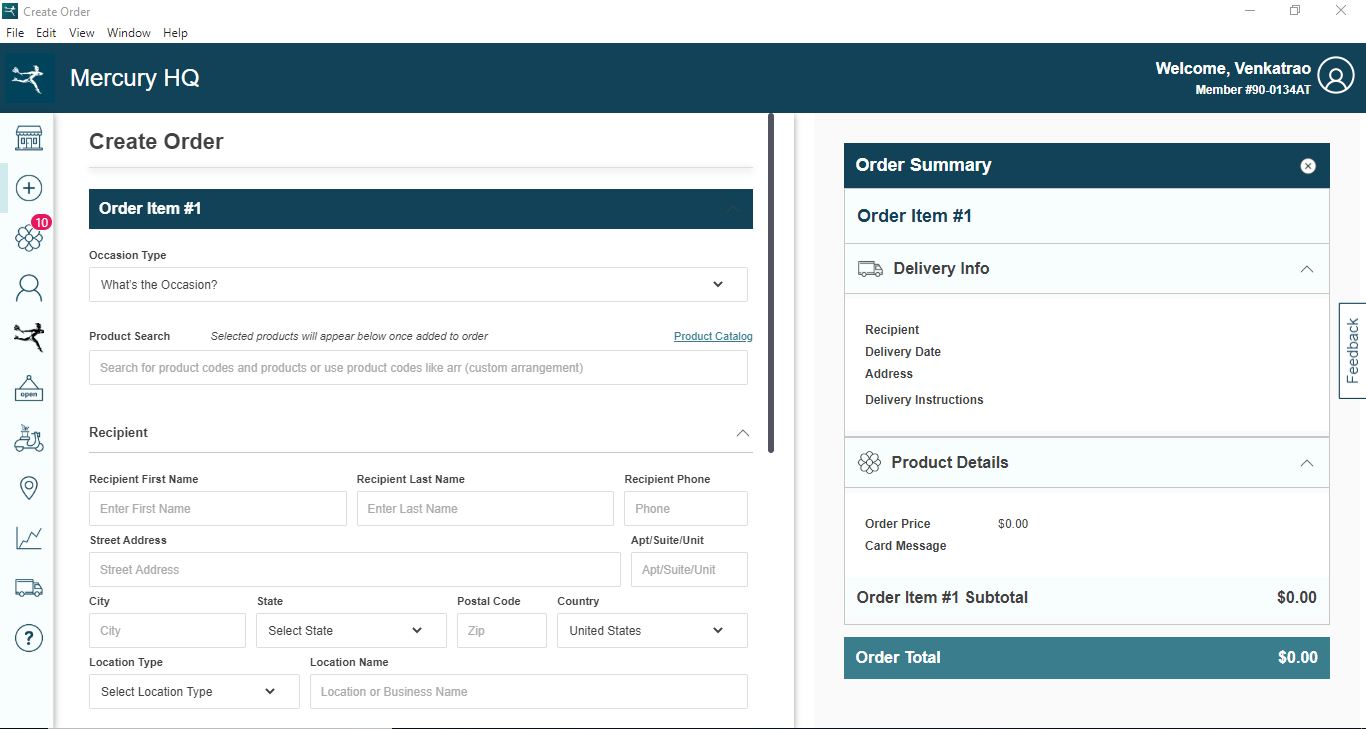
- Store Settings Control: Users can customize store preferences such as default suppliers, display settings, and operational modes, ensuring the system aligns with the shop’s unique workflow and branding.
- Data Tracking: The app enables monitoring of key performance indicators including sales volume, inventory levels, and order frequency, offering insights that support strategic decision-making.
- Desktop Access: As a desktop application, Mercury HQ ensures uninterrupted access from any computer with an internet connection, supporting remote management and team collaboration across multiple workstations.
- User-Friendly Interface: Designed with simplicity in mind, the interface allows staff with minimal technical training to navigate functions efficiently, reducing onboarding time and minimizing operational errors.
For example, a floral shop owner managing multiple suppliers can use the order management system to compare delivery timelines and prioritize urgent orders. Similarly, a manager preparing for a seasonal event can adjust store settings in advance to reflect holiday themes and preferred product displays. These practical applications demonstrate how Mercury HQ supports both routine operations and strategic planning within a specialized retail environment.
Interface, UX & Performance
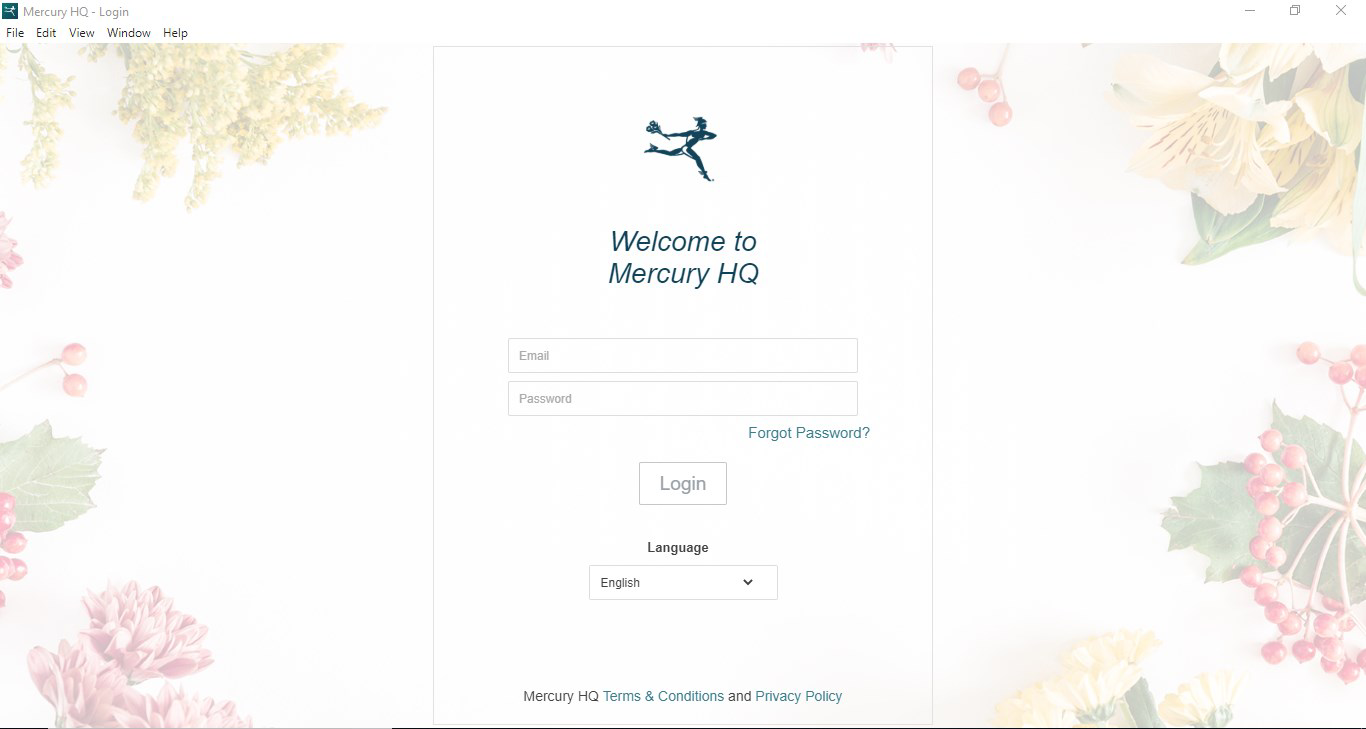
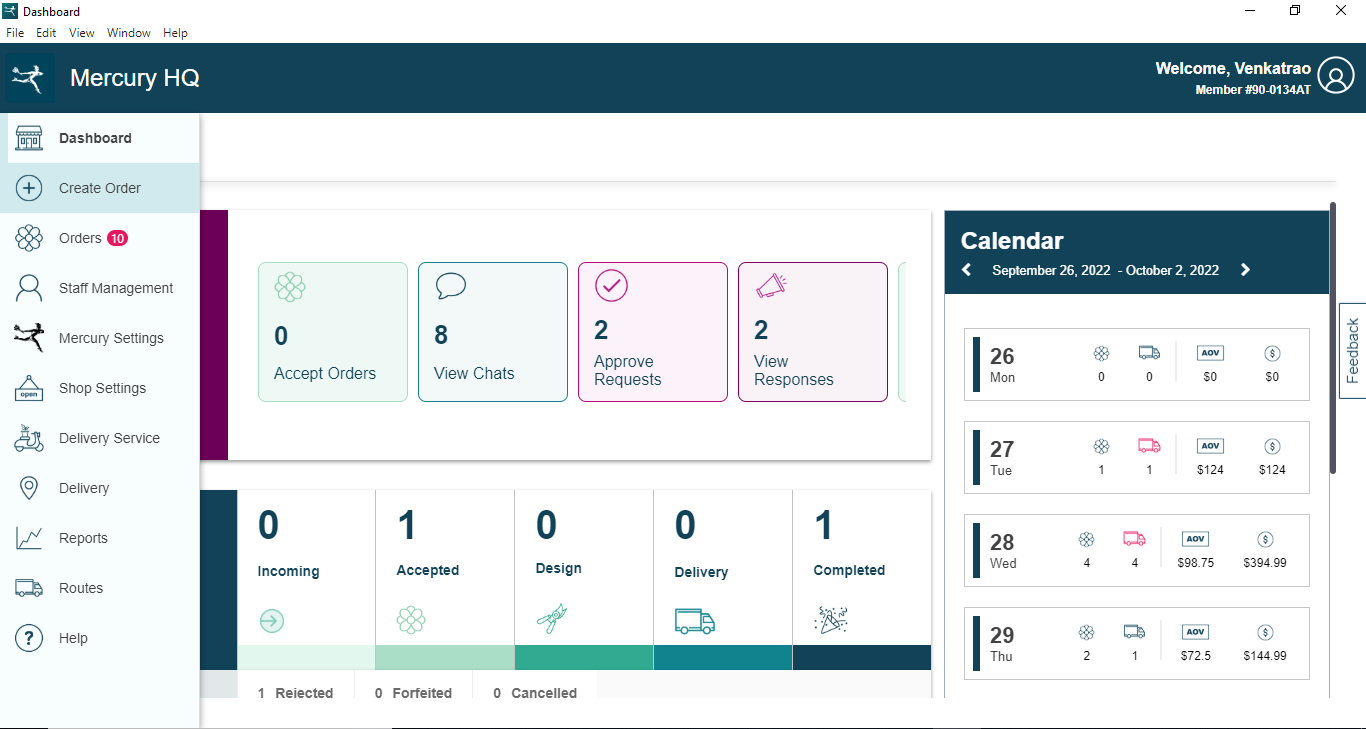
Mercury HQ features a clean, minimalist interface optimized for desktop use. The layout emphasizes clarity and accessibility, with intuitive navigation that minimizes the need for user manuals or extensive training. Key functions are organized into clearly labeled sections, enabling quick access to order tracking, settings, and data reports. The visual style is professional and uncluttered, reducing cognitive load and allowing users to focus on their core tasks.
Navigation follows a logical flow, with consistent menu placement and responsive feedback for user actions. The app appears to prioritize functionality over visual flair, which is appropriate for a productivity tool focused on business operations. Although the developer did not list formal performance metrics, the app’s desktop nature suggests stable performance across various hardware configurations, including standard office computers and high-end workstations.
Responsiveness is expected to be strong given the lack of mobile constraints and the absence of complex animations or resource-heavy elements. Stability is likely maintained through a dedicated desktop environment, minimizing crashes or freezes during extended use. The app’s 45.2 MB file size further indicates a lightweight design, contributing to fast loading times and efficient memory usage.
Platform Compatibility & Technical Requirements
Mercury HQ is designed exclusively for desktop platforms, ensuring a consistent user experience across compatible systems. The app runs on Windows and macOS environments, though specific OS versions were not listed by the developer. The file size of 45.2 MB indicates a compact application, which contributes to quick installation and minimal disk space usage.
Compatibility information was not fully disclosed, so users should verify system requirements based on their operating environment. The developer did not specify minimum OS requirements, nor did they provide details about hardware specifications such as RAM or processor speed. As such, users are advised to ensure their desktop system meets standard desktop application standards before installation.
Pros and Cons
- Specifically designed for floral shop operations, offering tailored functionality
- Centralized management of wire orders and store preferences
- Desktop-based access ensures a stable, distraction-free workflow
- Lightweight file size (45.2 MB) enables fast installation
- Intuitive interface reduces training time for staff
- Available only on desktop, limiting mobility and on-the-go access
- No mobile app version available for iOS or Android
- Developer did not provide detailed technical specifications or system requirements
- Functionality is limited to a niche market, potentially reducing broader appeal
- Limited public information about the developer or support channels
FAQ
Is Mercury HQ available for mobile devices?
Mercury HQ is a desktop application and is not currently available for iOS or Android devices. It is designed for use on Windows and macOS systems.
Can I use Mercury HQ without an internet connection?
While the app requires an internet connection for full functionality, including data syncing and order tracking, offline capabilities were not specified by the developer.
Is Mercury HQ free to download and use?
Yes, Mercury HQ is available at no cost. The app is priced at $0.00, making it accessible for small floral businesses seeking affordable management tools.
How often is Mercury HQ updated?
The developer has not disclosed the update frequency. Users are advised to check for updates through the official distribution channel.
Is Mercury HQ secure for storing business data?
Security measures were not detailed by the developer. However, as a desktop application with local data handling, users should ensure their system has appropriate security protocols in place.
Final Thoughts + CTA
Mercury HQ stands out as a focused, efficient solution for floral shop owners navigating the complexities of order management and store operations. Its desktop-first design, combined with a user-friendly interface and targeted features like wire order tracking and customizable store settings, makes it a compelling choice for professionals in the floral industry. While its lack of mobile support may limit flexibility for some users, the app’s stability and dedicated functionality provide a reliable foundation for daily business tasks.
For florists seeking a streamlined way to manage inventory, track orders, and maintain consistent store configurations, Mercury HQ delivers tangible value. The absence of a price tag further enhances its appeal, making it an accessible productivity tool for small businesses. Its niche focus ensures that every feature serves a real-world need, minimizing bloat and maximizing utility.
Download Mercury HQ now


